Cango KYC: upload steps
The cango kyc process runs through an integrated Sumsub widget inside your account profile. You do not need to send files over live chat unless support asks for an extra check on a large payout. To start, sign in, open the account menu, and select the verification tab. The interface guides you through three sequential screens: identity document, residential address, and a live or uploaded selfie. Having your files saved on your phone or computer before opening the Sumsub window stops the session from timing out.
Image quality determines whether the automated reader passes your files on the first attempt or flags them for manual inspection. Use a well-lit room, turn off the camera flash to avoid white spots on laminated plastic, and lay each paper or card flat on a dark surface. The system reads machine-readable zones on passports and checks that the name and birth date in your profile match the uploaded images letter for letter. If you used a nickname at registration, contact 24/7 live chat to fix your profile details before starting the upload.
Identity
For the first step, select your document type and upload a colour photo of your passport, national ID card or another photo ID. Make sure the entire bio-data page or both sides of the card fit inside the frame with a small margin around the edges.
Address
Next, upload a proof of address dated within the last 90 days. A power bill, water bill, council rates notice, or bank statement works well, provided your full name, street address, and the issue date sit clearly on the page.
Selfie
The final screen asks for a selfie holding the photo ID you just uploaded. Hold the document next to your chin so neither your fingers nor the booklet cover your face or the text on the ID.
Cango verification: Doc Pack
Our signature Doc Pack is the folder of files every Kiwi player should assemble right after registration, well before reaching the $30 AUD minimum withdrawal or the $8,000 AUD weekly limit. Since all Cango payment methods require you to cash out strictly to your own cards or wallets, keeping these items ready ensures smooth processing.
- Primary photo ID: A high-resolution colour photo of a valid passport, national ID card or another photo ID, checked for zero glare on the laminate.
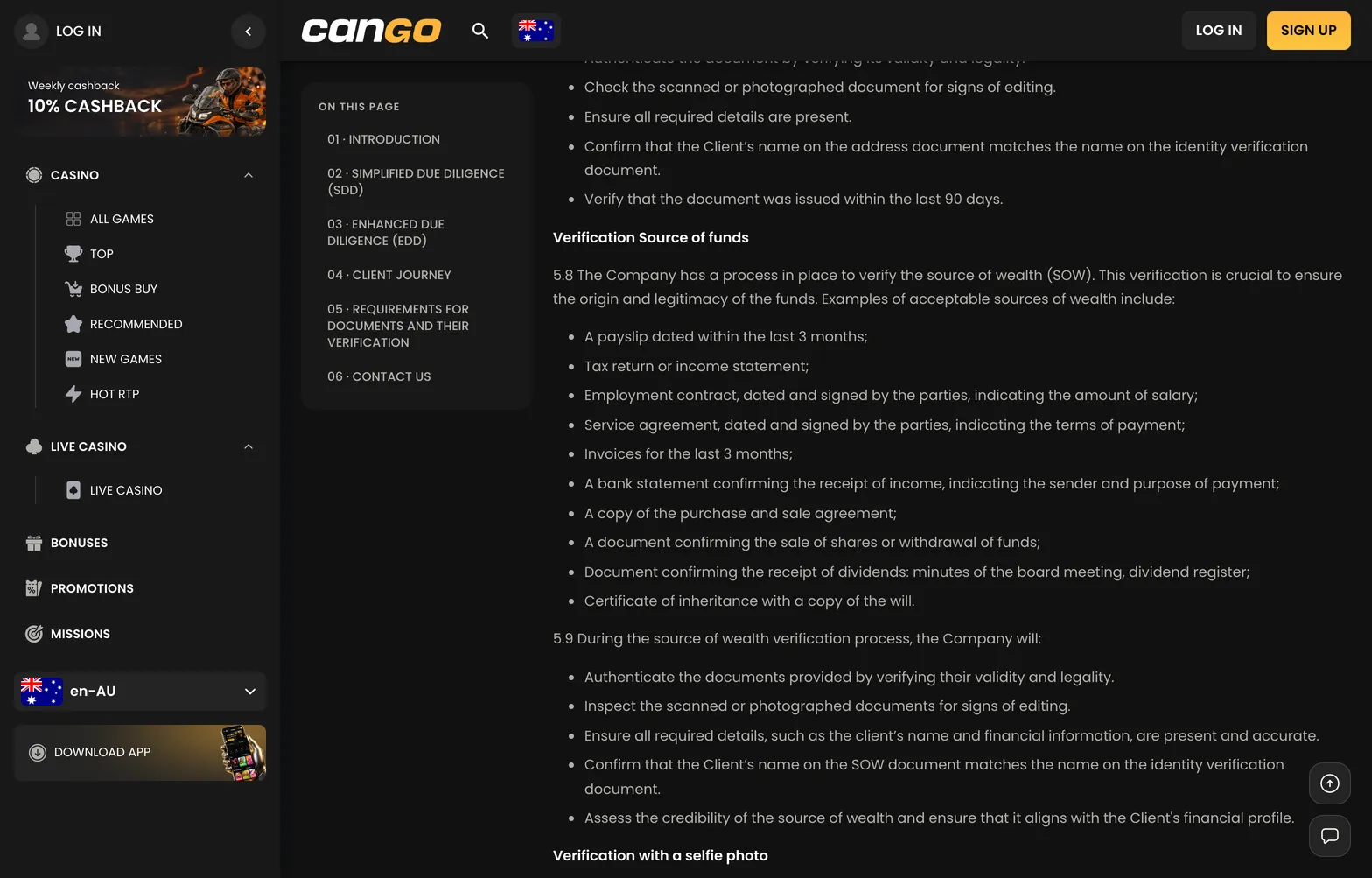
- Proof of NZ address: A PDF or full-page photo of a utility bill or bank statement issued within the past 90 days, showing your name and physical street address rather than a PO Box.
- Verification selfie: A freshly taken photo in natural daylight where you hold your photo ID beside your face, with the small print on the document readable when zoomed in.
- Payment ownership proof: If depositing with Visa or Mastercard, a photo of the card showing only the first six and last four digits, your name, and the expiry date, or a screenshot of your personal crypto wallet profile.
- Source of funds file: A recent bank statement or payslip ready in reserve, as the compliance team can request this on larger payouts or during a routine re-check.