

Cango logo
Dark premium desk with glowing orange calendar grid hologram, golden coins and slot symbols, warm accent lighting

Cookie Policy

Updated: 10 November 2026

What cookies are

This cookie policy explains how Cango Account NZ handles small text files stored on your device when you read our account and verification guides. Cookies are tiny pieces of data that a web server sends to your smartphone, tablet, or computer browser during a visit. They do not contain personal identity documents, passwords, or banking details, and they cannot scan your device or install software. Instead, they act as a simple memory tag so the site can recognise a returning browser session and keep pages working smoothly.

Cookie TypePurpose on Cango Account NZTypical Lifespan
EssentialBasic page navigation, security checks, and cookie banner stateSession to 12 months
PreferenceRemembering regional view and display choicesUp to 6 months
AnalyticsCounting anonymous page views and reading times24 hours to 12 months
ReferralRecording when a reader follows an outbound affiliate linkUp to 30 days

Most websites rely on two main lifespans for these files. Session files stay active only while you have your browser open and disappear the moment you close the tab. Persistent files remain in your browser storage for a set period, such as 30 days or 6 months, until they expire automatically or until you clear them manually.

Because Cango Account NZ is an independent information guide for Kiwi players rather than a gambling operator, we do not run player accounts, login forms, or a cashier. You never upload KYC files or payment data here, so the files placed by our pages are strictly limited to basic site delivery and anonymous traffic measurement.
Privacy policy 001 cango 1568x1003

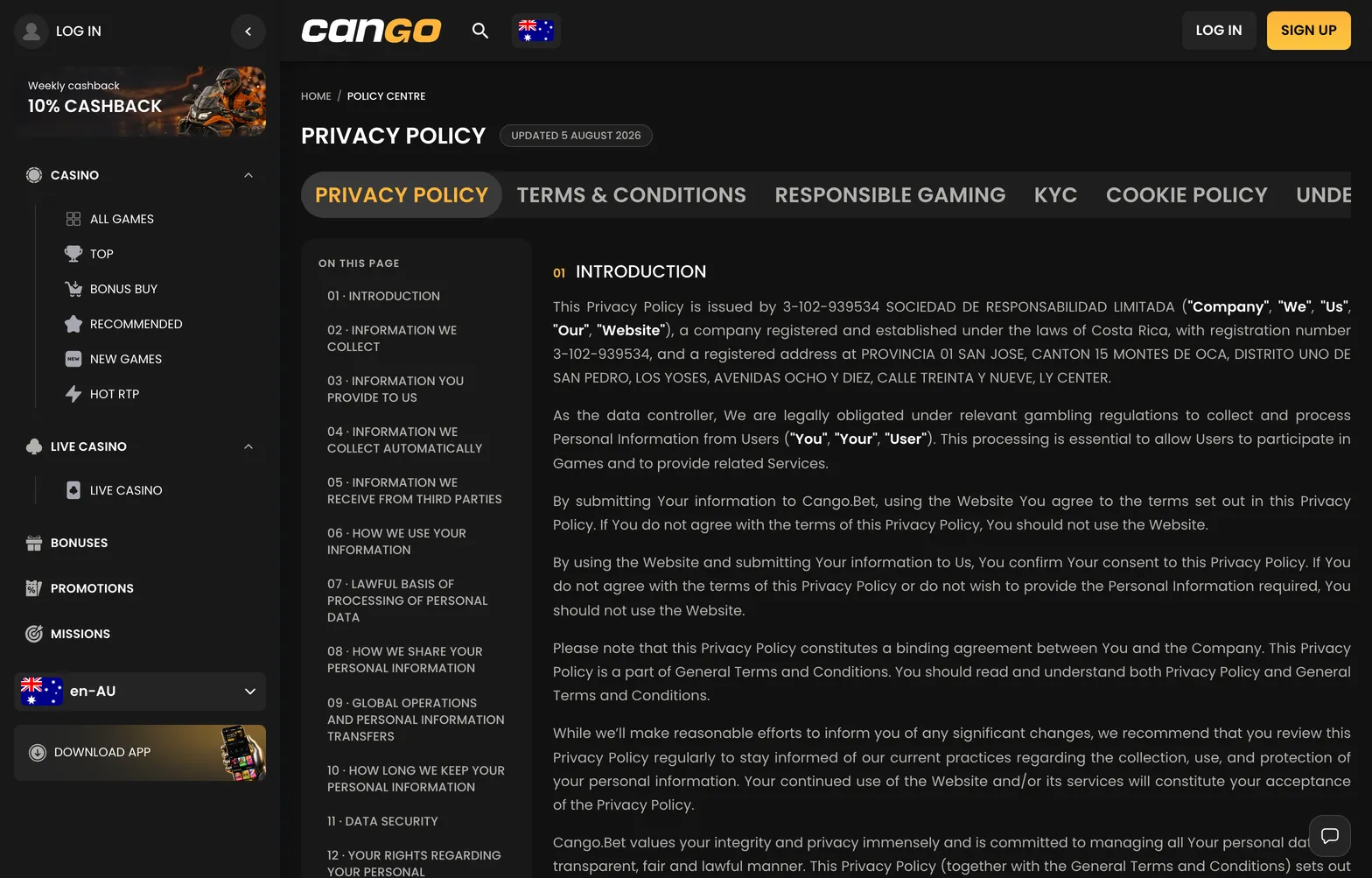
Cookie settings on this site are separate from the casino’s own policy, which applies once you visit the casino.

Cookies on this site

Every category mentioned in our cookie policy serves a practical role in keeping our verification checklists and cashout guides readable. Essential files make sure the page layout loads properly on mobile screens and remember that you have already dismissed the initial notice banner. Preference tags keep your chosen New Zealand English view stable as you move between articles about Sumsub document checks, pokies categories, and payout timelines.

We also use lightweight analytics tags to see which guides Kiwi players read most often and where visitors leave a page. These records are aggregated and anonymous; they tell us whether our Doc Pack instructions or AUD currency notes are clear, without identifying any individual reader. Finally, if you click an outbound referral link from our guide to the casino, a temporary tracking file notes that the visit came from our site so our editorial work can be funded at no cost to you.

Managing cookies in your browser

You have full control over how these files behave and can adjust your browser settings at any time to block, restrict, or delete them. In Safari on an iPhone, open the main Settings menu, select Safari, and toggle the options to block all tracking or clear history and website data. In Chrome on Android or desktop, open the three-dot menu, go to Settings, choose Privacy and Security, and clear browsing data or block third-party files.

Firefox and Edge offer similar controls under their privacy panels, including strict tracking protection and automatic clearing whenever you close the app. Keep in mind that blocking all essential files through your browser settings may cause the notice banner to reappear on every page load, though all our written guides on registration, KYC preparation, and withdrawals will remain completely accessible. Revisiting this cookie policy from time to time will keep you informed if we ever change the technical tools used on the site.