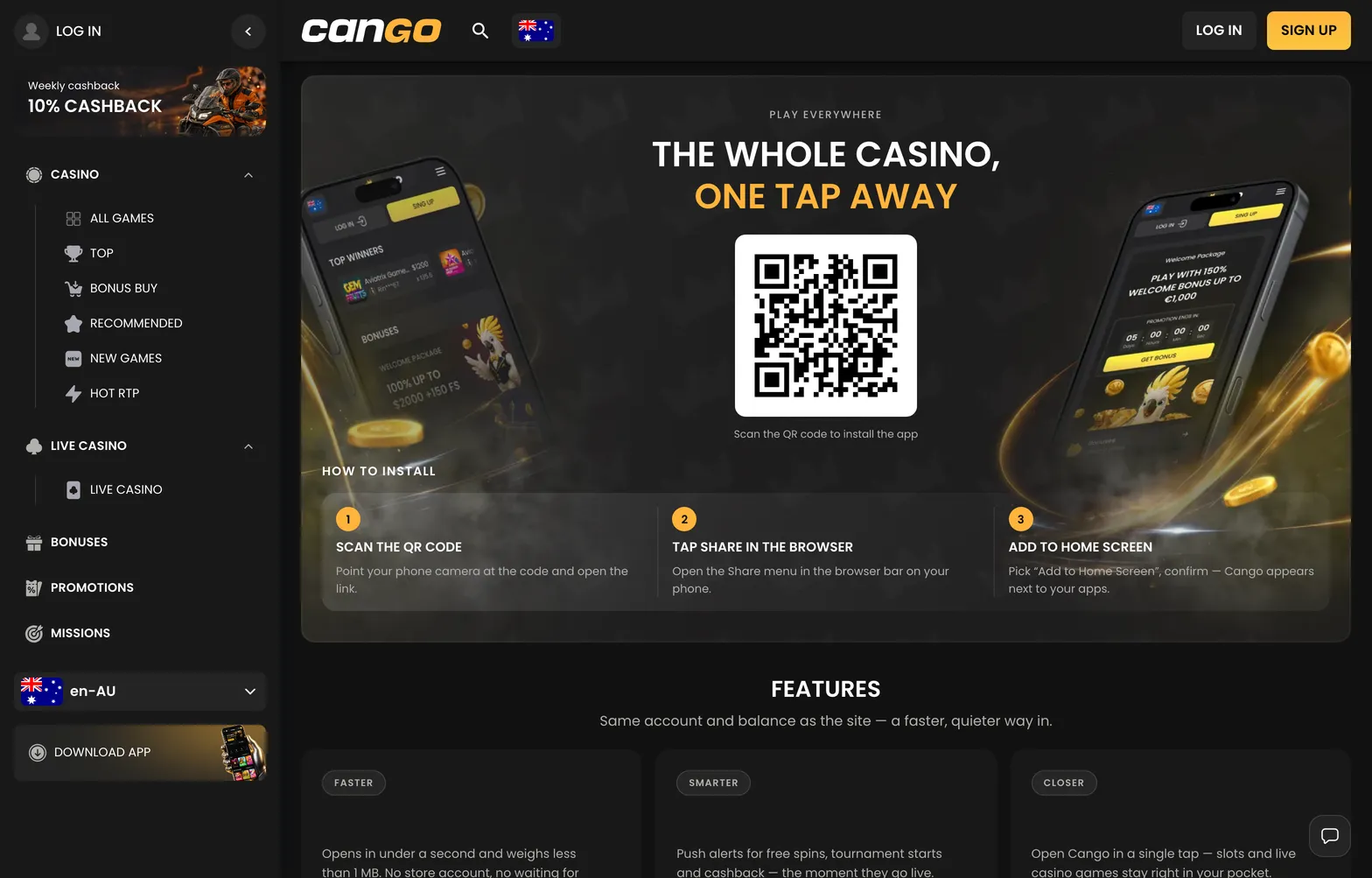
Cango app: what works in the app
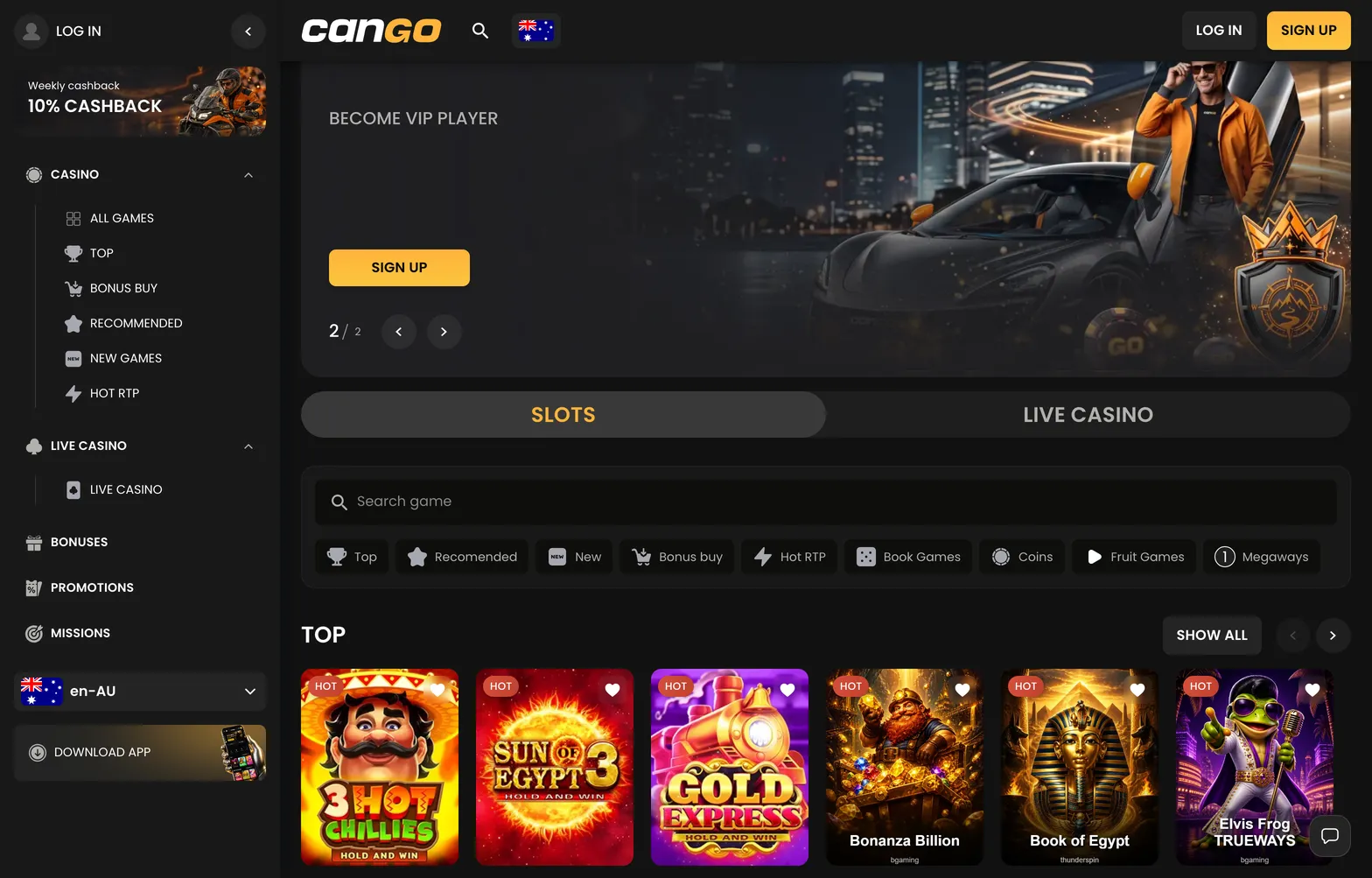
Once you launch the cango app from your home screen, you get the exact same account tools and game lobby found on the desktop site. The interface opens directly into the main lobby, where a toggle switch lets you jump between Slots and Live Casino with one tap. You can browse 3,000+ games according to the casino, sorted into clear categories including Top, Recommended, New, Bonus Buy, Hot RTP, Book Games, Coins, Fruit Games, and Megaways. If you prefer themed collections, the mobile menu filters pokies into Asia, Egypt, Jungle, Classic, Mythology, Wild West, and Fishing, alongside a search bar and a Play demo button for testing games like Bonanza Billion, Sun of Egypt 3, or Elvis Frog TRUEWAYS before spending real money.
The mobile cashier handles both deposits and withdrawals without needing a desktop computer. Deposits start at $15 AUD via Visa, Mastercard, alternative cashier methods or crypto, and the welcome pack of 150% up to $1,500 AUD plus 300 free spins needs $45 AUD and code WP1, typed into the same promo code field as on desktop.
Account features that open after sign-in are fully integrated into the mobile navigation bar. Your Missions tab opens once you log in, giving you daily and weekly tasks that reward free spins or bonus money, alongside a Weekly Cashback badge showing your 10% net loss return every Monday. You can also complete the two steps required for the VIP Club directly on your phone by verifying your mobile phone number in your profile settings and making qualifying deposits, which typically sit around $1,000 AUD a month in total across five or six levels.
Most importantly for Kiwi players focused on smooth withdrawals, the Sumsub verification portal and the 24/7 live chat widget work inside the PWA without any extra steps. When you request a payout from $30 AUD, you can track the pending window and the processing stage right from your mobile cashier.
Cango mobile: when the install fails
Running into a glitch on cango mobile usually comes down to browser permissions, cached data, or device settings rather than a broken file. Because a PWA relies on your phone browser engine to create the home screen icon and maintain your login session, minor setup mistakes can stop the shortcut from appearing or kick you out of your account unexpectedly. Checking our full Cango review gives you a broader look at how the platform scores across payouts and mobile usability, where our editors rate the mobile experience at 4.0 out of 5.
- The home screen icon did not appear after tapping install. This happens on iPhones when you open the site inside an in-app browser (such as clicking a link inside an email or social app) or use Chrome instead of Apple’s native Safari browser. Close the window, open Safari directly, load the casino page, and repeat the Add to Home Screen step; on Android, check that your home screen layout is not locked in your phone settings.
- You get logged out of your account every time you close the app. If your mobile browser is set to Private Browsing or Incognito mode, or if you have blocked cookies in your privacy settings, the PWA cannot save your session token. Switch to a regular browser tab, allow cookies for the site, and use the Google sign-in option or save your 8+ character password in your device keychain so you can log back in quickly.
- Games freeze on the loading screen or the cashier shows an old balance. Stored browser cache can conflict with updated lobby files, so clear cached images and files in your browser settings (keep cookies), close the PWA fully and relaunch it.
- The camera will not open during the Sumsub verification check. When you reach the KYC stage to upload your passport or national ID card, your under-90-day address proof, and your live selfie, the Sumsub frame needs permission to use your phone lens. If the screen stays black, open your phone’s main Settings menu, find Safari or Chrome permissions, set Camera access to Allow, and reload the verification tab.
If you have cleared your cache and checked your browser permissions but still cannot access your profile, make sure no VPN or proxy app is running in the background, because the platform bans VPN connections. If the screen stays locked, open the 24/7 live chat instead of creating a second account, which breaks the one-account-per-person rule.